Not necessarily. A chair that is adjustable, supports your lower back comfortably, and allows you to reach your keyboard and mouse safely is the priority. Price doesn't always correlate with comfort for your specific body.
Workspace Design
Setting Up Your Desk Environment
A well-organised workspace supports sustained comfort and awareness. This guide explores key elements of desk setup and how they influence your daily movement and posture patterns.
Key Elements of Workspace Setup
Each component of your desk environment influences your posture and movement patterns. Understanding these elements helps you make informed adjustments.
Chair and Seating
Your chair is foundational. Consider seat height (feet flat on floor, knees at 90°), backrest support, armrest positioning, and ease of adjustment. A good chair supports multiple postures, not just one static position.
Desk Height and Surface
Your desk should allow your elbows to rest at roughly 90° when typing. Adjustable or standing desk options offer flexibility to change positions throughout the day. Surface organisation reduces unnecessary reaching and twisting.
Monitor Placement
Position your screen at arm's length away, with the top of the screen at or slightly below eye level. This reduces neck strain and encourages a neutral head position. Multiple monitors should be arranged in a slight arc.
Keyboard and Mouse
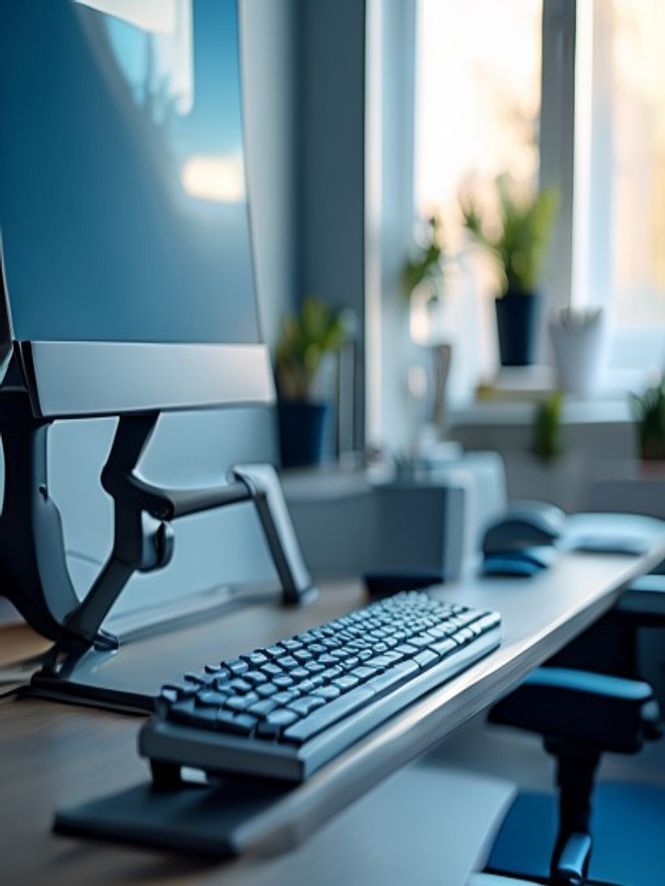
Keep your keyboard and mouse close and at a height that allows relaxed wrist and forearm positioning. Consider a keyboard tray or external keyboard if your desk height doesn't work for your proportions.
Lighting
Natural light is beneficial when available. Position your desk to minimise glare on your screen. Adequate overhead and task lighting reduces eye strain and supports circadian rhythms.
Accessories and Tools
Document holders, monitor stands, keyboard trays, and footrests are optional tools that may help you adjust your workspace to your needs. Experiment to discover what supports your comfort and movement awareness.
The Role of Movement in Workspace Design
A "perfect" static setup is less important than a workspace that encourages regular position changes and movement awareness. Sitting in any one position for extended periods can create discomfort, regardless of how ergonomically correct it is.
Consider designing your workspace to support frequent micro-movements: standing for short periods, changing chair position, reaching for things intentionally, and taking regular breaks.
- Position items to encourage standing reaches
- Keep frequently used items within easy reach
- Create visual reminders for movement breaks
- Use varied seating or position-change tools
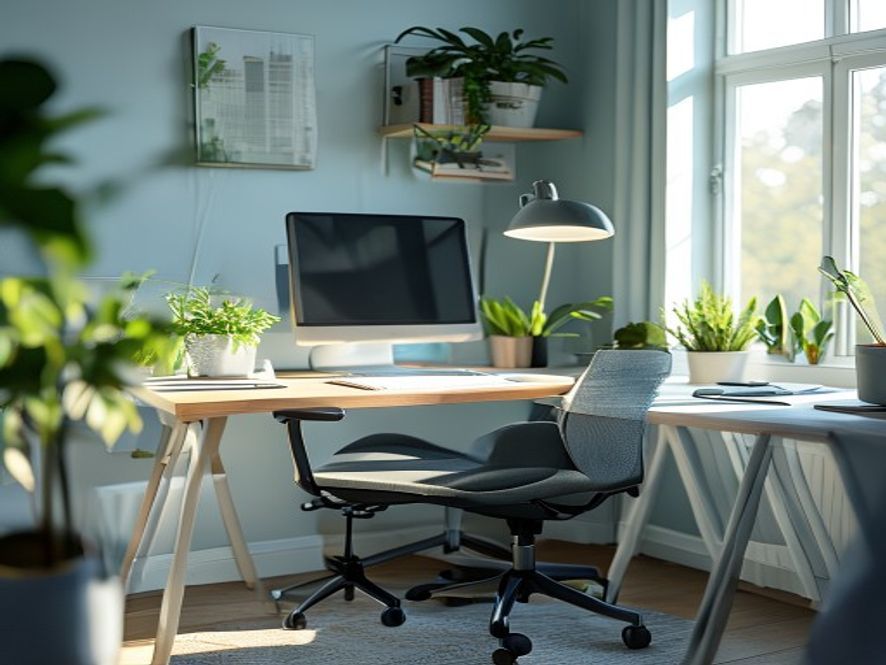
- Plan your desk layout to support your work flow
Workspace Assessment Checklist
Use this checklist as a reflective tool. Different bodies have different needs, and your ideal setup may differ from typical guidelines.
| Element | Question | Notes |
|---|---|---|
| Chair | Can you adjust seat height, backrest, and armrests? Does it support comfortable sitting for 1–2 hours? | Adjustability matters more than brand |
| Desk Height | Are your elbows at roughly 90° when sitting? Can your desk height be adjusted? | Consider your proportions and work style |
| Monitor Position | Is the top of your screen at or below eye level? At arm's length away? | Adjust height with monitor stands or risers |
| Keyboard and Mouse | Can you reach them without extending your arms? Are your wrists in a neutral position? | Experiment with keyboard trays or risers |
| Lighting | Do you have adequate task and ambient lighting? Is there glare on your screen? | Adjust light sources and screen angle |
| Space and Movement | Do you have room to stand, stretch, or shift position? Is your workspace organised? | Space for movement supports habit building |
Frequently Asked Setup Questions
Standing desks can be useful for position variety, but standing all day is not inherently "better" than sitting. The key is movement and position changes throughout the day. A desk that adjusts between sitting and standing supports flexibility.
You can revisit your setup periodically—maybe quarterly—or when you notice changes in comfort. Your needs may shift based on work changes, equipment, or your own awareness of what feels better.
Small adjustments are often possible: monitor risers, keyboard trays, desk risers, or seat cushions can make a difference with minimal cost. Movement breaks become even more important when static adjustment isn't possible.
Workspace setup is one factor in comfort and awareness, but it's not a medical treatment. If you experience persistent pain or discomfort, consult a healthcare professional. Our guidance is educational and informational.
Ready for Personalised Workspace Guidance?
Get tailored advice from our team on optimising your specific desk environment.
Schedule a Consultation